

SQL + Exchange Backup
Two in One, Total Security
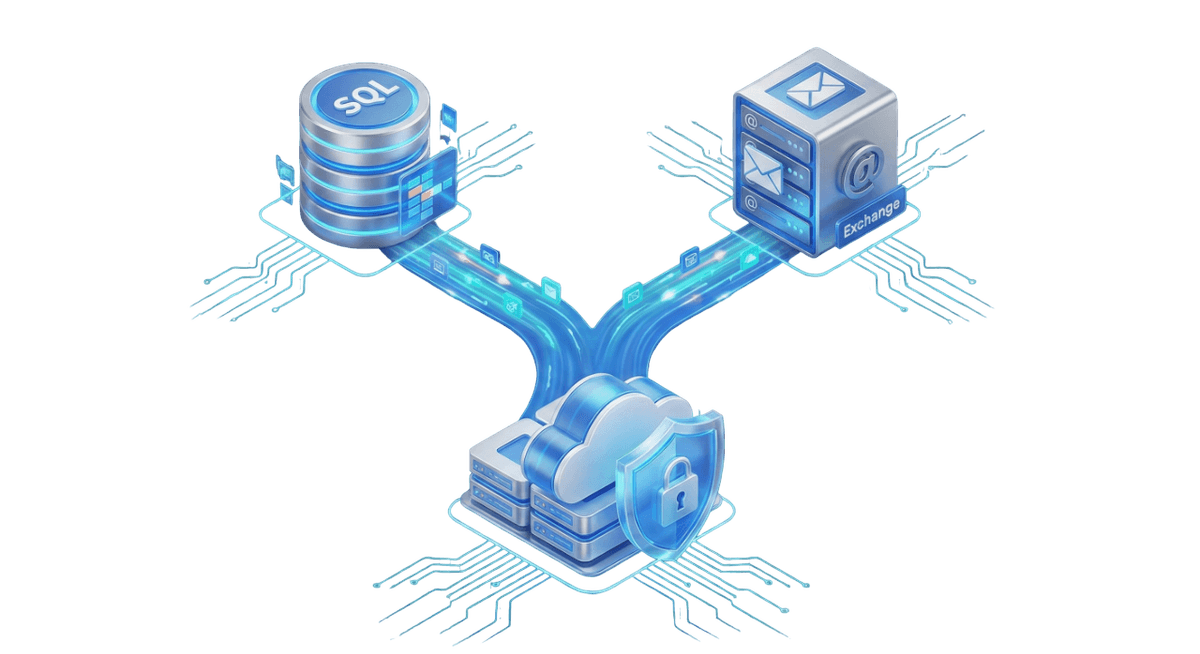
No more separate license management for businesses using both database and email servers. The Backupera SQL + Exchange package offers all features of both MS SQL Server and MS Exchange Server under a single license. With this package, you can manage and protect file, image, SQL, and Exchange data on your server via a single agent. It is a cost-effective choice for complex server structures.
Key features
All the features your business needs
Single License: Both SQL and Exchange modules are active.
Cost Advantage: A more economical solution than buying two separate products.
Full Server Protection: Image, file, and application (App-Aware) backup all in one.
Technical Specs
Product capability matrix
Technical note
Technical capability matrices are updated per product. Feature availability can vary by license plan.
Features and Benefits

Hybrid SQL & Exchange Protection
Manage both your SQL Server databases and Exchange mailboxes centrally with a single cost-effective license.
SQL Point-in-Time Recovery
Restore your SQL database to any precise moment in the past using transaction logs (PITR).
Exchange Granular Item Recovery
Recover a single email or calendar item from your Exchange backups without restoring the entire database.
Block-Level Differential Backups
Achieve extraordinary speed and space savings by backing up only the changed blocks for both SQL and Exchange.
Transaction Log Truncation
Prevent server disk bloat by automatically cleaning SQL and Exchange logs after each successful backup.
VSS-Aware Hybrid Architecture
Create consistent and secure data copies for both applications using VSS technology without stopping live services.
Backup Process
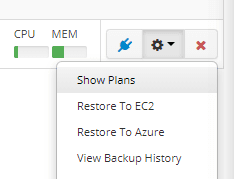
Initialize Hybrid Plan
Start a new backup plan for either SQL or Exchange from the central console and select your storage destination.
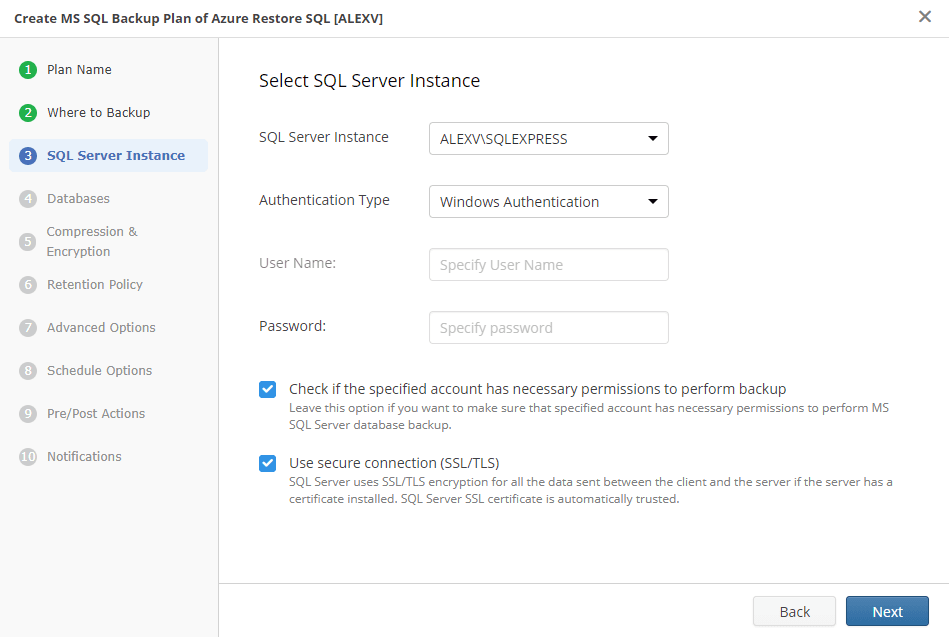
Select Server & Instance
Identify the SQL Server instance or Exchange server to be backed up and verify credentials.
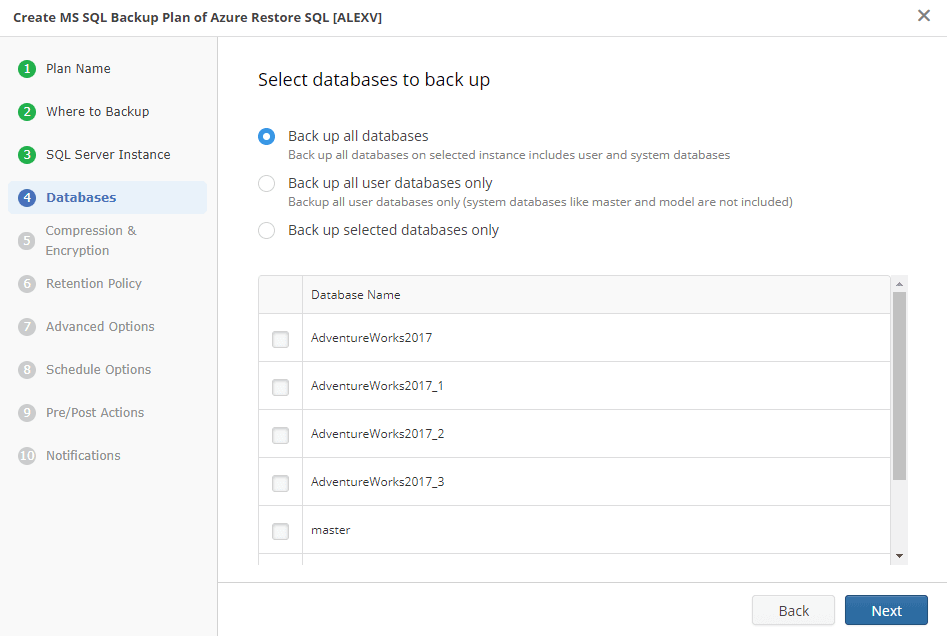
Database & Scope Selection
Optimize your backup scope by selecting critical SQL databases or Exchange mailbox databases (.edb).
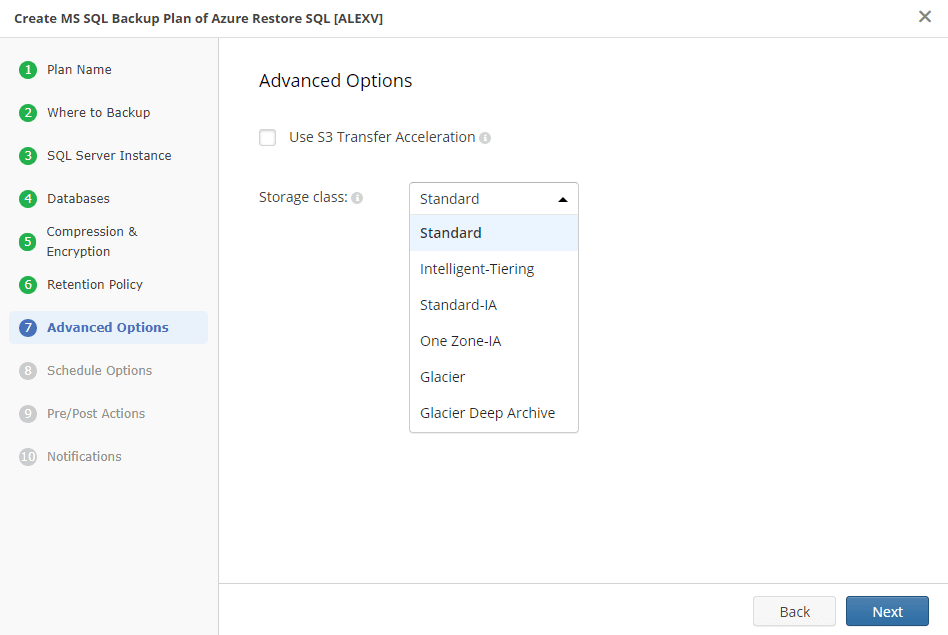
Advanced VSS & Consistency
Configure block-level VSS settings to ensure consistent backups on live servers without data loss.
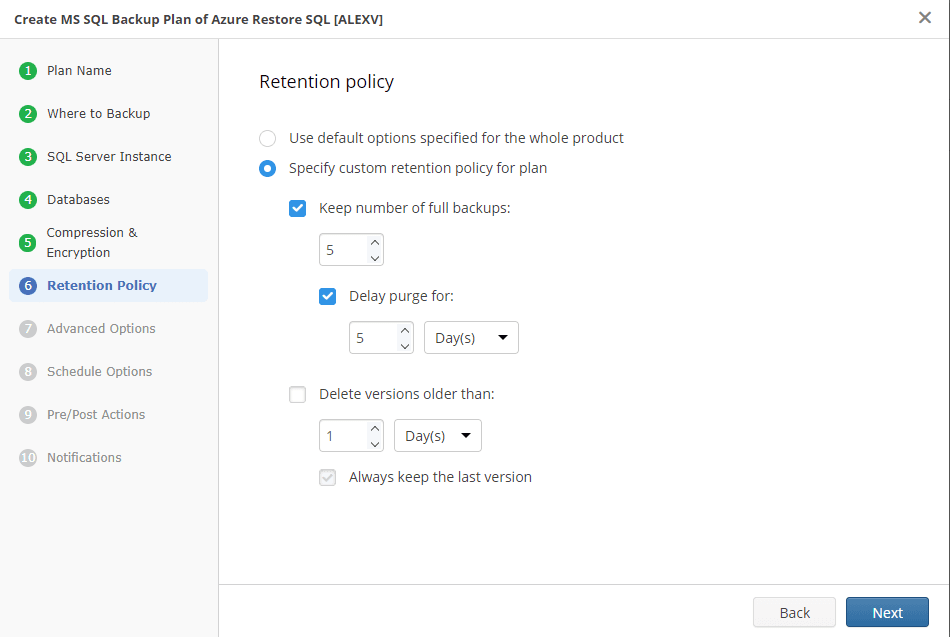
Smart Retention Policies
Keep storage costs under control by defining different retention periods for your SQL and Exchange data.
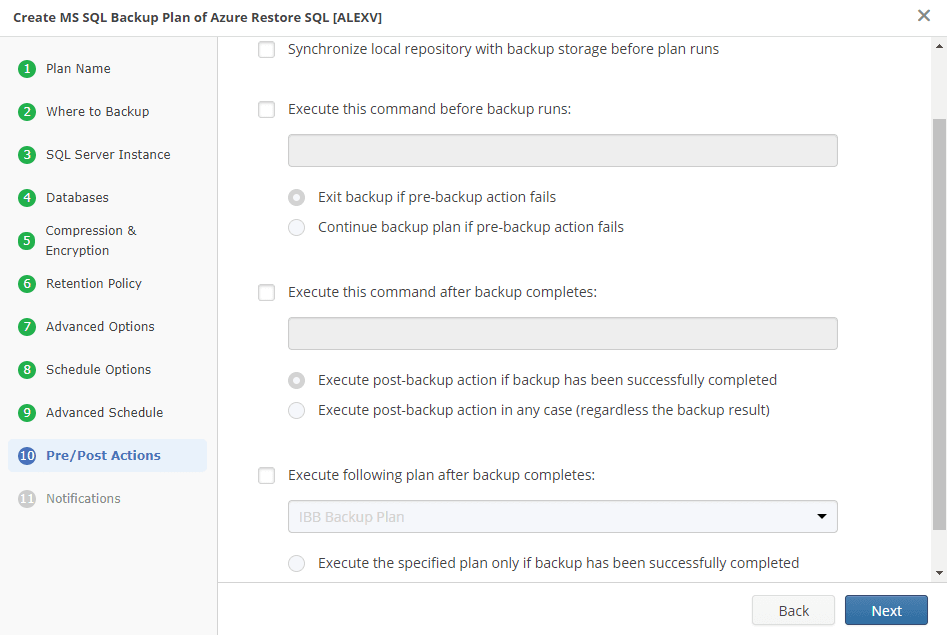
Automation & Reporting
Schedule your backups and receive instant email notifications for every success or potential failure.
Certifications and Awards
Recognized and awarded by industry leaders










Frequently Asked Questions
This package reduces the cost of purchasing separate licenses for both critical server applications and provides ease of management. You can manage all your database and email backups from a central panel via a single agent.
This package license is server-based. If both SQL Server and Microsoft Exchange services are running on the same physical or virtual server, you can protect both applications with all their features using a single license.
Absolutely. By backing up transaction logs for both SQL Server and MS Exchange, you can restore your server or database with consistency to any specific second in the past.
Backupera works fully integrated with Microsoft VSS (Volume Shadow Copy Service) technology. By momentarily freezing (quiescence) the data of both applications at the time of backup, it creates copies that run error-free after restoration.
Yes. After a successful full or incremental backup process, both SQL Server and Exchange transaction logs are automatically cleaned (truncated). This critical feature prevents your server disk space from filling up.
Yes. You can perform fast recovery on a single database or table basis for SQL, and on a single mailbox, email, contact, or calendar item basis for Exchange. You don't need to restore the entire database.
Thanks to hybrid backup support, you can send your backups in encrypted form to local NAS/USB storage and popular S3-compatible cloud services such as AWS, Azure, Wasabi, or Backblaze at the same time.
All your backups are protected with military-grade AES-256 bit encryption. Additionally, with 'Immutability' support offered on the cloud side, your backups become undeletable and unchangeable against ransomware.